
Extending Claude Code with Custom MCPs

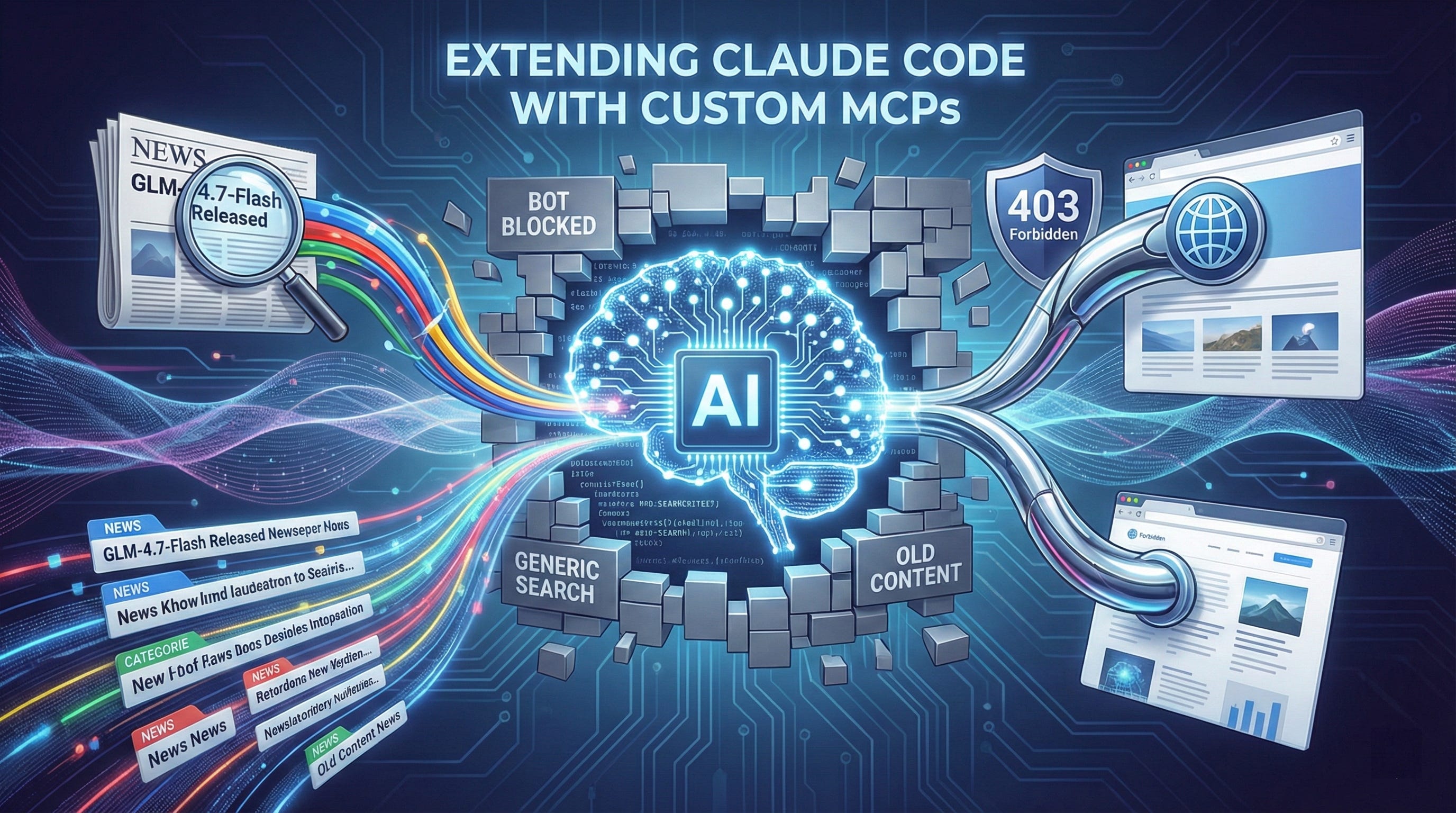
When I started using Claude Code more heavily, I ran into a problem. The built-in web tools work fine for most things, but I kept hitting walls. Web Search finds URLs, but it’s not great for news. Web Fetch retrieves content, but many websites block it because they can tell it’s a bot.
I wanted better tools. So I built them.
This post covers two open-source MCP servers I created: google-news-mcp for searching Google News, and page-fetcher-mcp for fetching pages with a real browser. Both have made a real difference in how I research and synthesize information.
The Problem
Claude Code has Web Search for finding URLs and Web Fetch for reading them. They work, but they have blind spots.
For news, Web Search mixes recent articles with evergreen content. If I search for “GLM model,” I get a combination of breaking news, technical docs, and posts from months ago. When I want to know what’s happening now, I need something that surfaces recent content and filters by recency.
For reading, Web Fetch gets blocked. Many websites identify it as a bot and refuse or throttle the connection.
These aren’t flaws. They’re trade-offs. Default tools need to work for everyone. Specialized tools can be opinionated.
What is MCP?
The Model Context Protocol is an open standard for connecting AI applications to external systems. It’s like USB-C for AI. Just as USB-C standardizes how devices connect, MCP standardizes how AI assistants connect to tools and data.
Anyone can build an MCP server. You write a program that exposes tools through a standard interface, and AI applications can use them. The protocol handles communication, error handling, and discovery. You just implement the business logic.
Google News MCP
google-news-mcp gives Claude Code access to Google News. It provides three tools:
search_google_news: Search with filters for time range, source domain, location, and title-only searchget_topic_news: Fetch from predefined categories (TECHNOLOGY, BUSINESS, SCIENCE, etc.)get_top_headlines: Get current breaking news
The implementation parses Google News RSS feeds. One detail that matters: Google News URLs redirect to the actual article URLs. The server automatically resolves these redirects, so you get direct links.
Here’s what an article looks like:
{
  "headline": "Zhipu AI Releases GLM-4.7-Flash",
  "source": "MarkTechPost",
  "url": "https://www.marktechpost.com/...",
  "pubDate": "2026-01-20 19:54:29 UTC"
}
This is metadata. To read the full article, you pass the URL to a fetching tool.
Page Fetcher MCP
page-fetcher-mcp fetches pages using a real Chromium browser. It connects via the Chrome DevTools Protocol, the same API Chrome’s developer tools use.
The server has two tools:
fetch_html(url): Get HTML from a URL (trims by length if needed)fetch_text(url): Get only the visible text from a URL
Both execute JavaScript and handle dynamic content. The text tool strips scripts, styles, and other noise before returning results, which makes the output cleaner for AI to work with. In most cases, this is what you need.
The difference matters. A real browser bypasses bot detection, so the tool sees what a user sees.
A Real Example
I wanted to research recent developments around Zhipu AI’s GLM model family. Here’s how it went:
I asked Claude Code to search Google News for “GLM” from the past week
google-news-mcp returned a few recent articles with headlines, sources, and direct URLs
Claude Code selected a few interesting ones and fetched them using page-fetcher-mcp
Claude Code synthesized everything into a coherent summary
I had a comprehensive overview of recent GLM developments in a couple of minutes, without opening a browser or visiting each site manually.
Setup
The code for both servers is on GitHub. You run them locally. Setup is straightforward:
Clone the repository and install dependencies
Run
npm run buildto compile the TypeScriptAdd the server to your Claude Code MCP configuration
For google-news-mcp:
{
  "mcpServers": {
    "google-news": {
      "command": "node",
      "args": ["/path/to/google-news-mcp/dist/index.js"]
    }
  }
}
For page-fetcher-mcp:
{
  "mcpServers": {
    "page-fetcher-mcp": {
      "command": "node",
      "args": ["/path/to/page-fetcher-mcp/dist/cli.js"]
    }
  }
}
page-fetcher-mcp requires Chromium. You can install it separately or point to an existing installation. Full documentation is in each README.
What I Learned
Building these tools changed how I think about AI assistants.
Default toolsets cover common cases, but common doesn’t mean optimal. When you have specific workflows, custom tools make a real difference.
Each MCP server is about a thousand lines of TypeScript. MCP handles the communication. I just write the business logic.
The other insight is composability. I use google-news-mcp to find articles, page-fetcher-mcp to read them, and Claude Code to synthesize the information. But I could combine these with other MCPs for databases, file systems, or APIs. The ecosystem is still young, but the potential is there.
Try Them Out
If you use Claude Code and the default web tools feel limiting, give these a try.
Feedback and contributions are welcome.