
Trying Agentic Browsing on Linux with Playwright MCP

The past few months brought a wave of agentic browser announcements. Perplexity launched Comet in July 2025, promising AI-powered web browsing with automated task handling. OpenAI released ChatGPT Atlas in October 2025, a macOS browser with ChatGPT built directly into the interface. Microsoft introduced Copilot mode in Edge, an experimental feature that takes on tasks and actions on behalf of users. But if you’re running Linux, you’re out of luck. None of these solutions work on Linux.
I’m not convinced agentic browsing is the future. The security concerns are real. Giving an AI agent access to navigate websites on your behalf means potential exposure of credentials and the risk of unintended actions like purchases or form submissions. But I wanted to try the experience anyway, if only to understand where this technology is heading.
Then I realized I already had the tools. Playwright MCP works with Claude Code, and both run perfectly on Linux.
The Setup
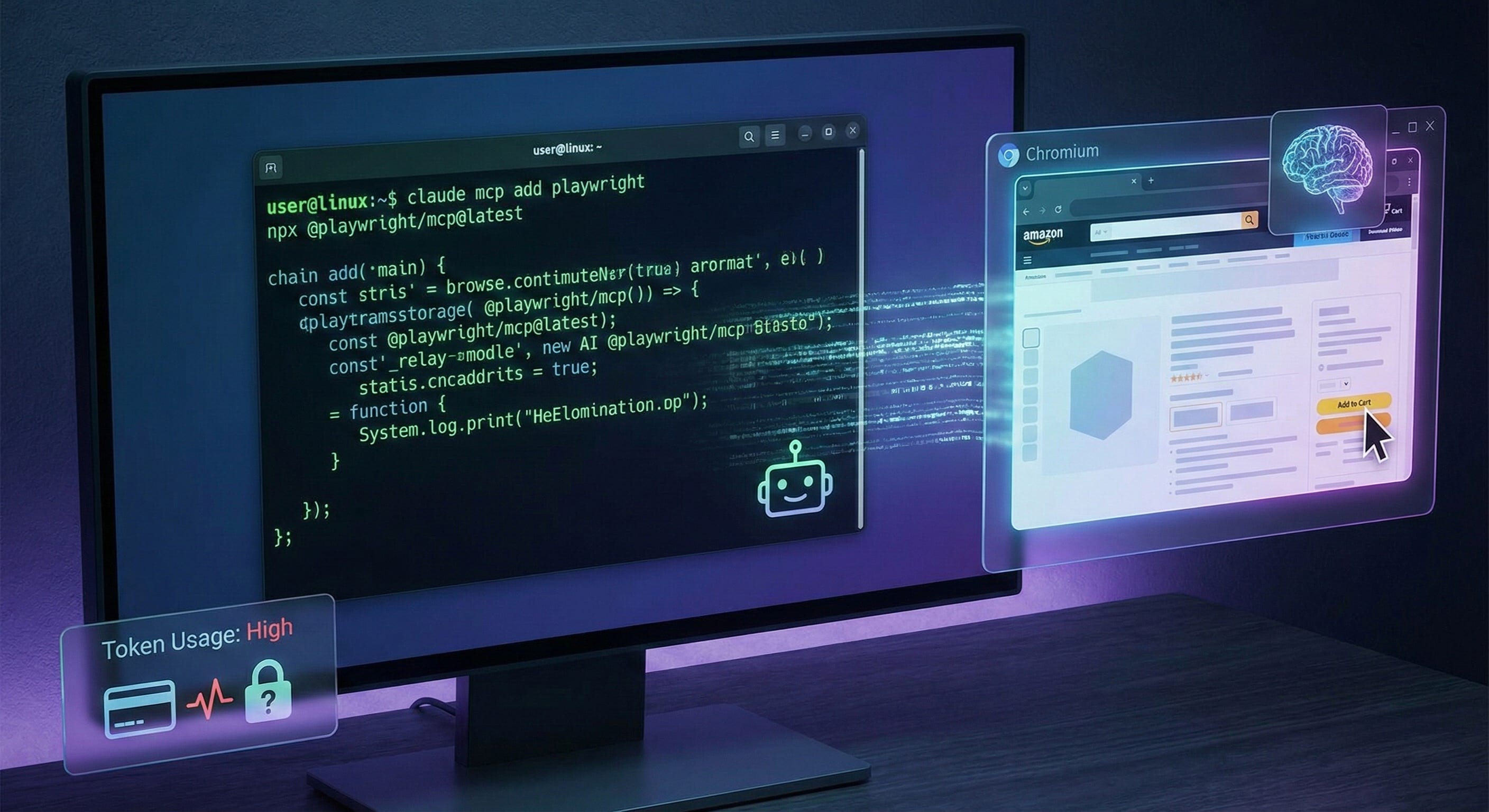
Getting Playwright MCP running with Claude Code is straightforward. Microsoft’s Playwright MCP server uses accessibility tree data instead of screenshots. You add the MCP server to Claude Code with a single command:
claude mcp add playwright npx @playwright/mcp@latestAfter installation, Claude Code can control Playwright directly. It launches the browser, navigates pages, and submits forms. The browser window stays visible, so you can watch what’s happening in real time.
The Experience
I tested it with a simple task: “Open amazon.com and find 3 Christmas gifts to put in cart.” Claude Code used the Playwright MCP tools to control the browser and handled the entire browsing session.
The experience felt similar to what the commercial agentic browsers promise. Claude navigated the site, searched for products, and added items to the cart. But two things stood out.
First, the token usage was surprisingly high for such a simple task. Each page interaction and piece of context fed back into the model consumed tokens rapidly. For a basic shopping task, the cost adds up quickly. This makes agentic browsing impractical for regular use at current pricing.
Second, watching the agent work reinforced my security concerns. The agent had full control. It could have clicked anything, submitted any form, entered any information. In this test, I stayed in control because I watched the browser window and could intervene. But the whole premise of agentic browsing is delegation. If I’m watching every action, what’s the point?
The Security Problem
Security researchers have identified serious vulnerabilities in agentic browsers. Indirect prompt injection attacks can hide malicious instructions in web pages or images, causing the AI to execute unintended actions. ChatGPT Atlas was found to bypass standard encryption practices, exposing private authentication data.
The threat model is different from traditional browsing. With a regular browser, you’re the one making decisions. With an agentic browser, you’re trusting the AI to make correct decisions while navigating potentially malicious content. A compromised AI agent could expose credentials, leak personal information, or execute financial transactions without proper verification.
Researchers from Brave found that benign-looking websites or social media comments could steal login credentials by adding invisible instructions for the AI assistant. The agent processes these as commands rather than untrusted content.
These aren’t hypothetical risks. They’re documented vulnerabilities in shipping products.
A Transitional Technology
Agentic browsing feels like an intermediate solution. We’re taking a tool designed for humans (web browsers) and bolting AI on top. The result is inefficient and insecure.
The browser itself is the problem. Browsers render visual interfaces for human consumption. AI agents don’t need visual interfaces. They need structured data. Playwright MCP takes a step in the right direction by using accessibility tree data instead of screenshots, but it still operates through a visual browser interface designed for humans.
The future likely moves in three directions:
First, API-first solutions. Instead of having AI navigate visual interfaces, services will provide structured APIs designed for agent access. This is already happening in specific domains. The question is how quickly it spreads to general web interaction.
Second, better efficiency and lower costs. Current token consumption makes agentic browsing expensive. Models need to get better at understanding context with fewer tokens, or the cost structure needs to change. Until then, this remains a demo technology rather than a practical tool.
Third, enhanced security models. We need frameworks for safe delegation that include verification steps, sandboxing, and clear boundaries on what actions agents can take. The current model of “give the AI full browser access and hope for the best” is not sustainable.
For Linux Users Right Now
If you’re on Linux and want to try agentic browsing, Playwright MCP with Claude Code works. The setup is documented, and the integration is clean.
But I’d recommend approaching it as an experiment, not a workflow. The token costs are high, the security model is uncertain, and the practical benefits are limited. It’s useful for understanding where this technology is going, but not for daily use.
Watch the browser window. Don’t leave it unattended. Don’t use it with accounts that have access to sensitive information or financial systems. And be aware that websites you visit could potentially inject malicious instructions into the AI agent.
Agentic browsing will evolve. The current implementation is a starting point, not a destination. For now, it’s an interesting way to see the future taking shape, even on a platform the commercial vendors haven’t bothered to support.